The app your field crew
opens every morning.
Today's work, one tap to confirm, and a day that carries on when the signal drops.
The day at a glance
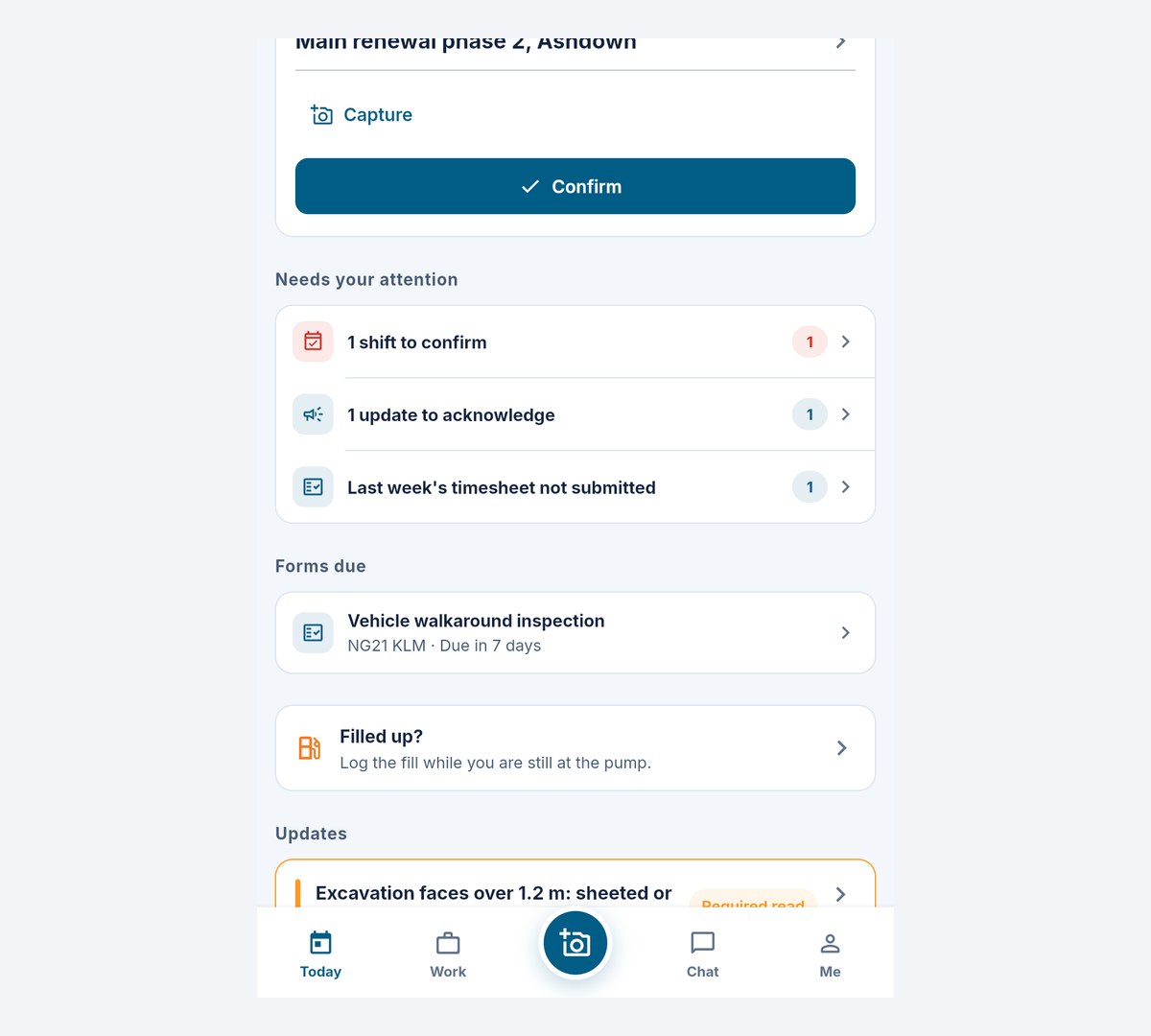
Open the app and Today is already laid out: clock in, see your routes and shifts, confirm with one tap, and get directions to site. Actions you can take are separated from requests waiting on someone else. Due forms have their own list, so the next check is easy to find. Work, Capture, Chat and Me sit beside it in the tab bar.
- Clock in against today's shift or route, picked when you clock in
- One card per route, however many jobs it holds
- Credential expiry warnings before they bite
- Forms due and a separate Waiting on others section
Capture while it's fresh
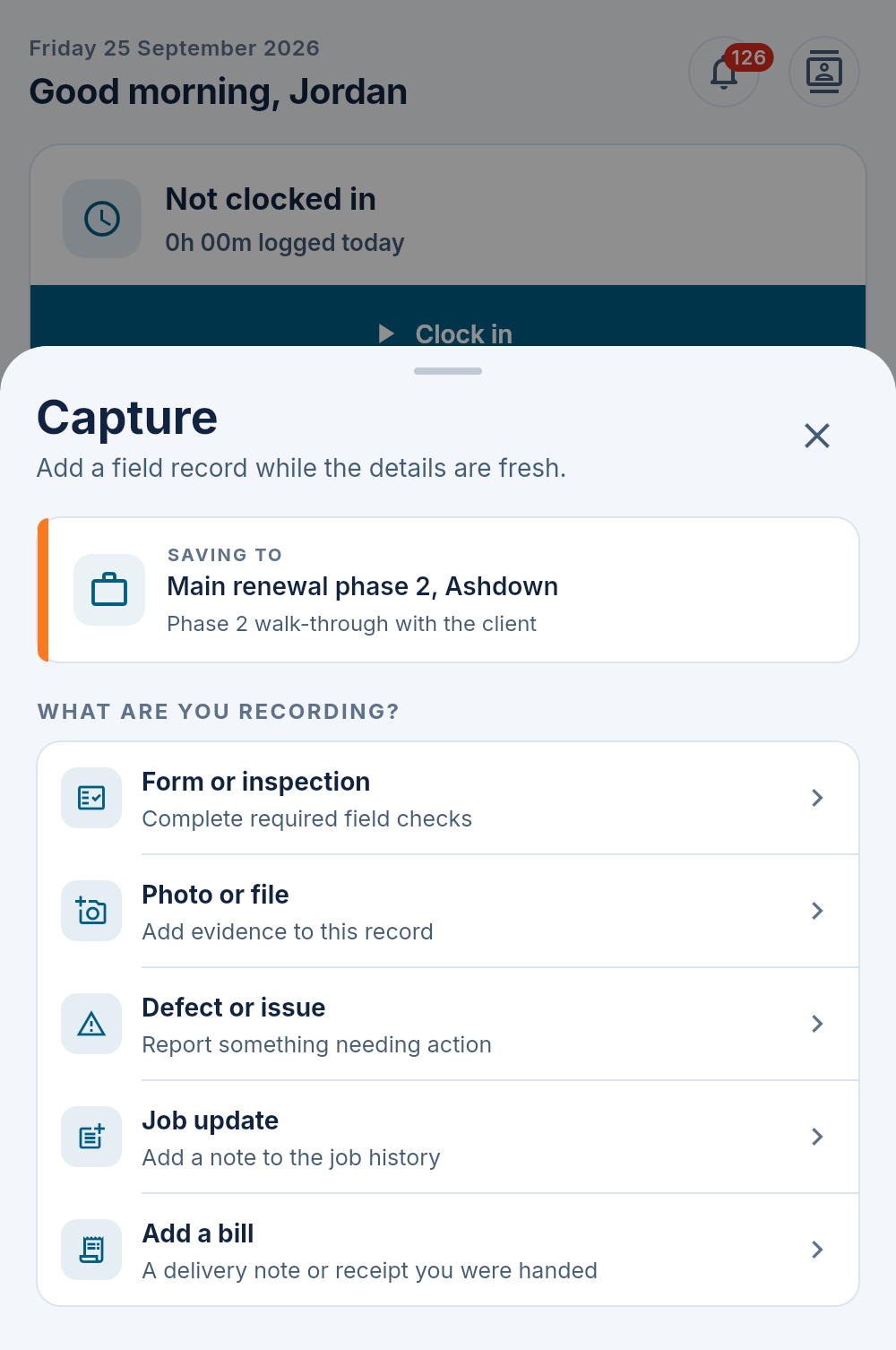
The centre button raises whatever the moment needs — a photo, a form or inspection, a defect, or a note on the job — captured against the record you're standing at, not into a group chat where it dies.
- Photos and files straight onto the job's evidence
- Forms with signatures, audio answers and location stamps
- Defects described in the field, graded by the office
- Start from today's jobs, or use the permitted job search
No signal, no problem
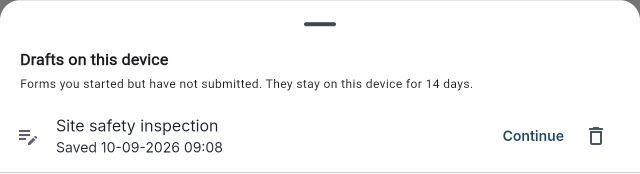
While the phone has signal, the app saves the coming week's shifts, jobs and routes, with the files for today and tomorrow. Open it in a basement and the day is there. Clock in, confirm shifts, move routes, post job updates, report issues and fill in forms as usual: each waits on the phone and is sent once, at the time you did it, when signal returns.
- Opens with no signal, straight into the day
- Today shows when the phone was last made ready for no signal
- Every saved screen says how old it is
- Waiting to send and Needs attention show what is still on the phone
- On Android, queued work sends even with the app closed
Signing in for the first time, starting a lone worker session and checking in need signal: a check-in that only reached the phone would not stop the alarm. Saved work stays readable for 48 hours after the phone last reached Maliru.
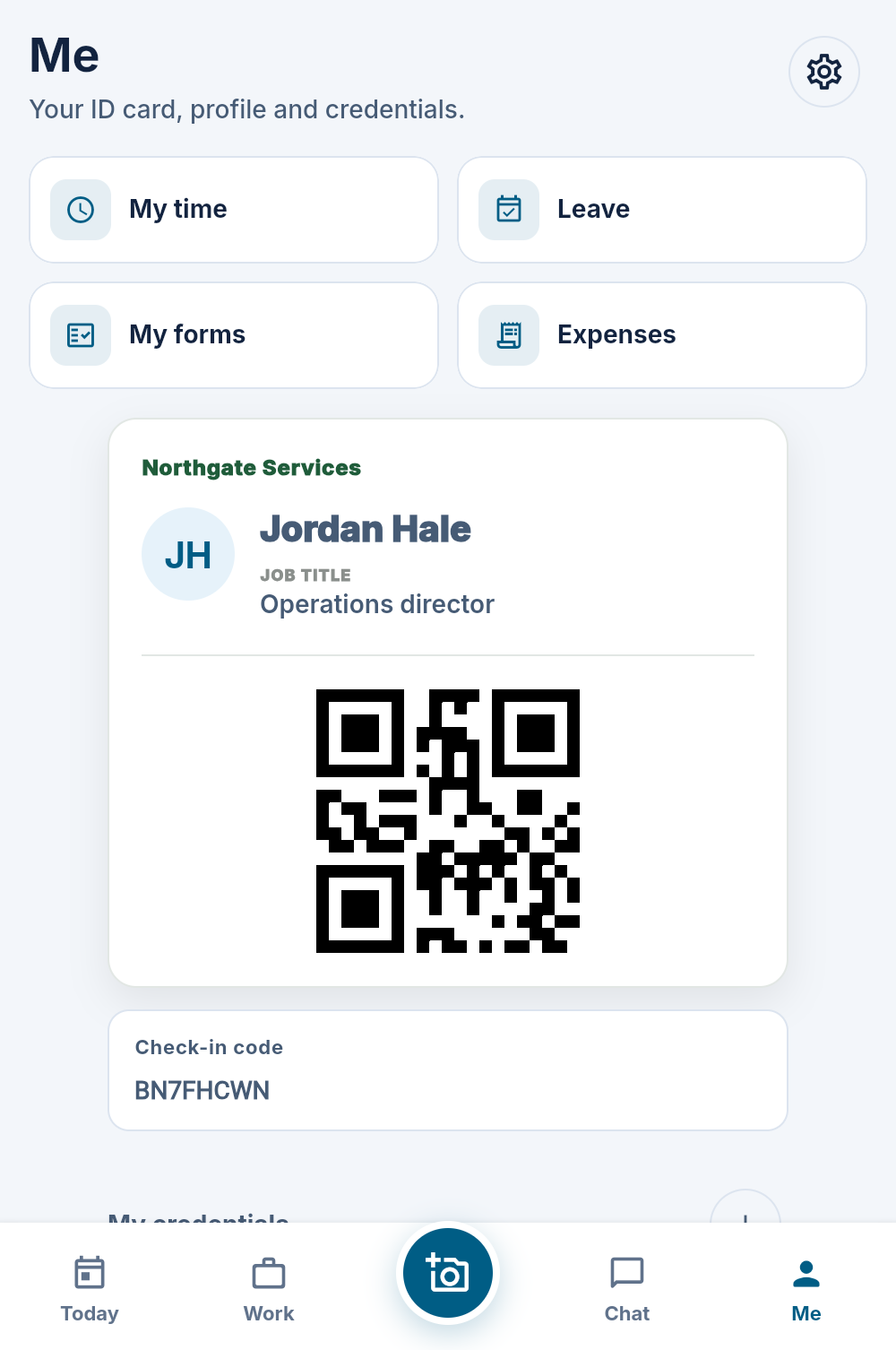
A digital ID card in every pocket
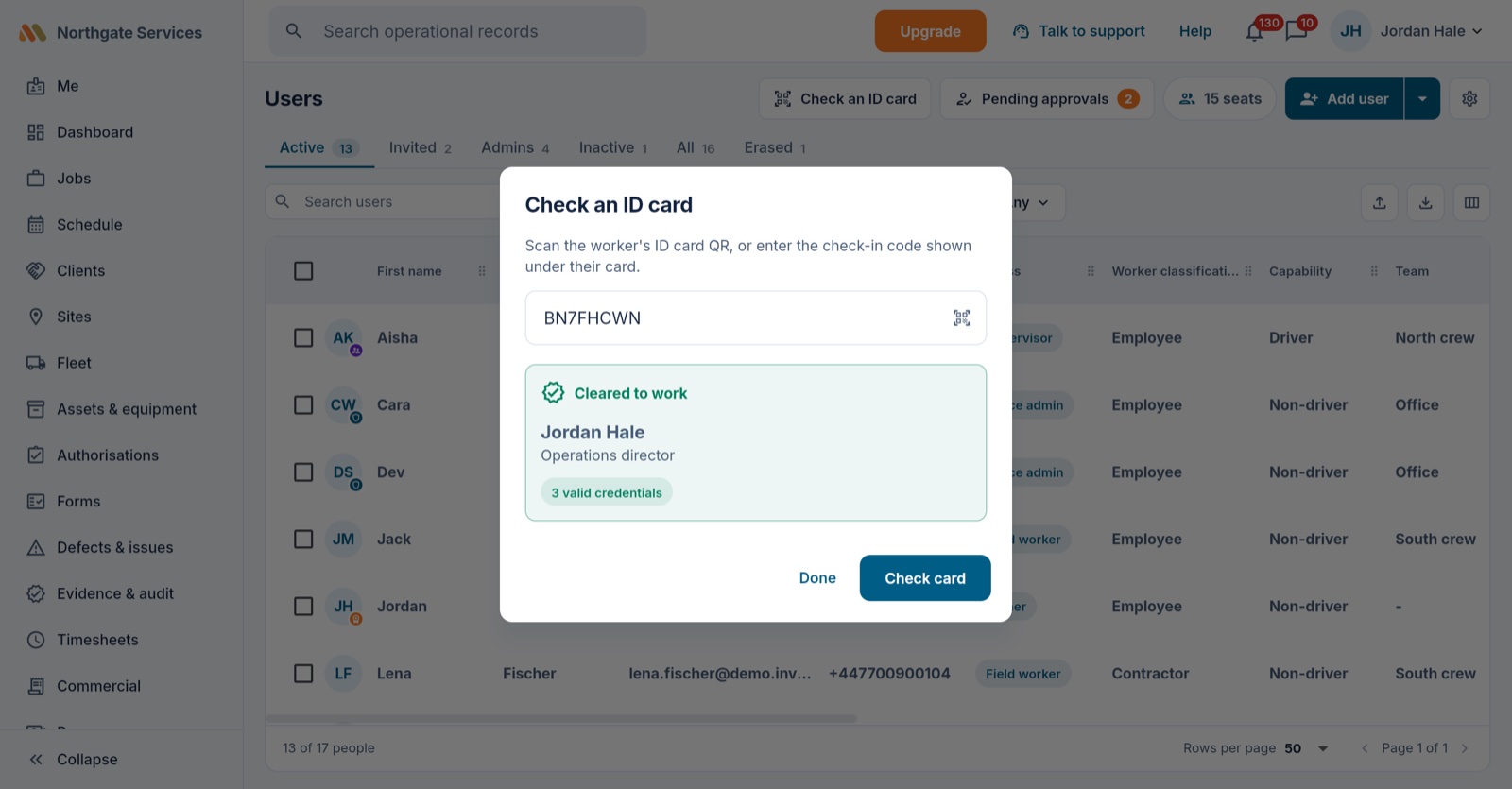
Each worker carries a card with their details and a scannable check that answers the only question that matters on a gate: cleared to work? — live, against their actual credentials.
- Scan or type the check-in code — verdict in seconds
- Reissue instantly if a card leaks; old QR dies immediately
- You choose exactly what the card shows
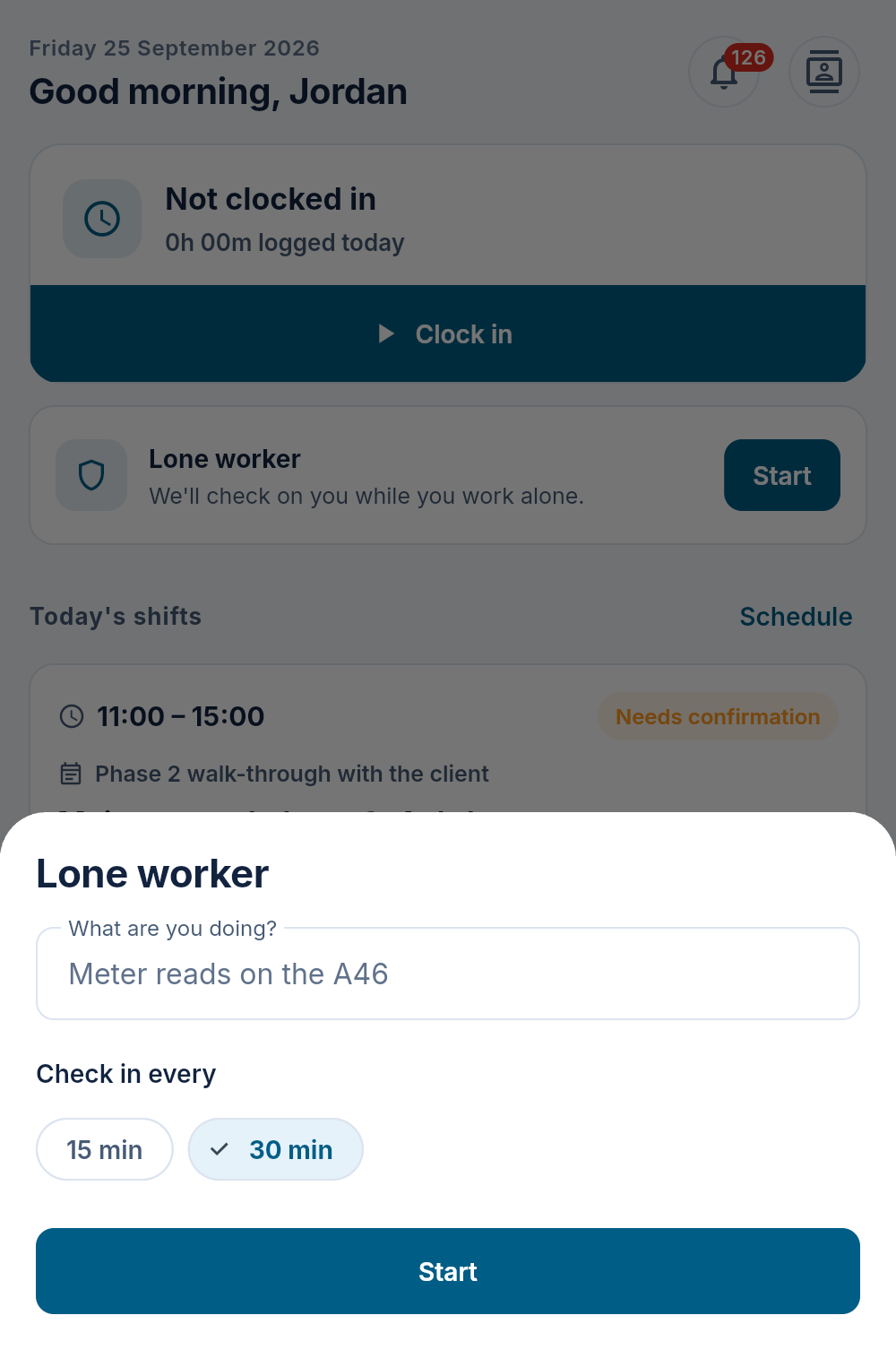
Check-ins for anyone working alone
A worker on their own starts a session from Today and checks in on a timer. Miss a check-in and Maliru alerts the people your workspace names, one after another, by push notification, text message or phone call, until someone takes it. The office sees every open session and alarm, and closes it once the worker is safe.
- The worker picks a check-in interval up to your workspace's own, and taps Need longer if a job overruns
- Get help on the session card sends an alarm straight away, with where the worker is; with no signal it is kept on the phone and sent the moment there is
- An escalation ladder of named people or the worker's own manager, each reached by push, text, a phone call or any mix
- A contact presses 1 on an alarm call to take it; on a missed check-in, 2 puts them straight through to the worker (never on a Get help or duress alarm)
- Optionally, Maliru rings the worker first and they check in on the call with their own code; a duress code sounds the same but raises a silent alarm
- The alarm comes from the missed check-in, so a phone with no signal or a flat battery still raises it
- Acknowledged and resolved from the office, with the alarm's history on the audit trail
Check-ins, Get help and alarms by push are on every plan. Team adds alarm texts; Crew adds the calls, the worker's check-in and duress codes, journey monitoring and what3words.
This is a check-in timer with escalation, not a monitored alarm service: there is no fall or man-down detection and no monitoring centre.
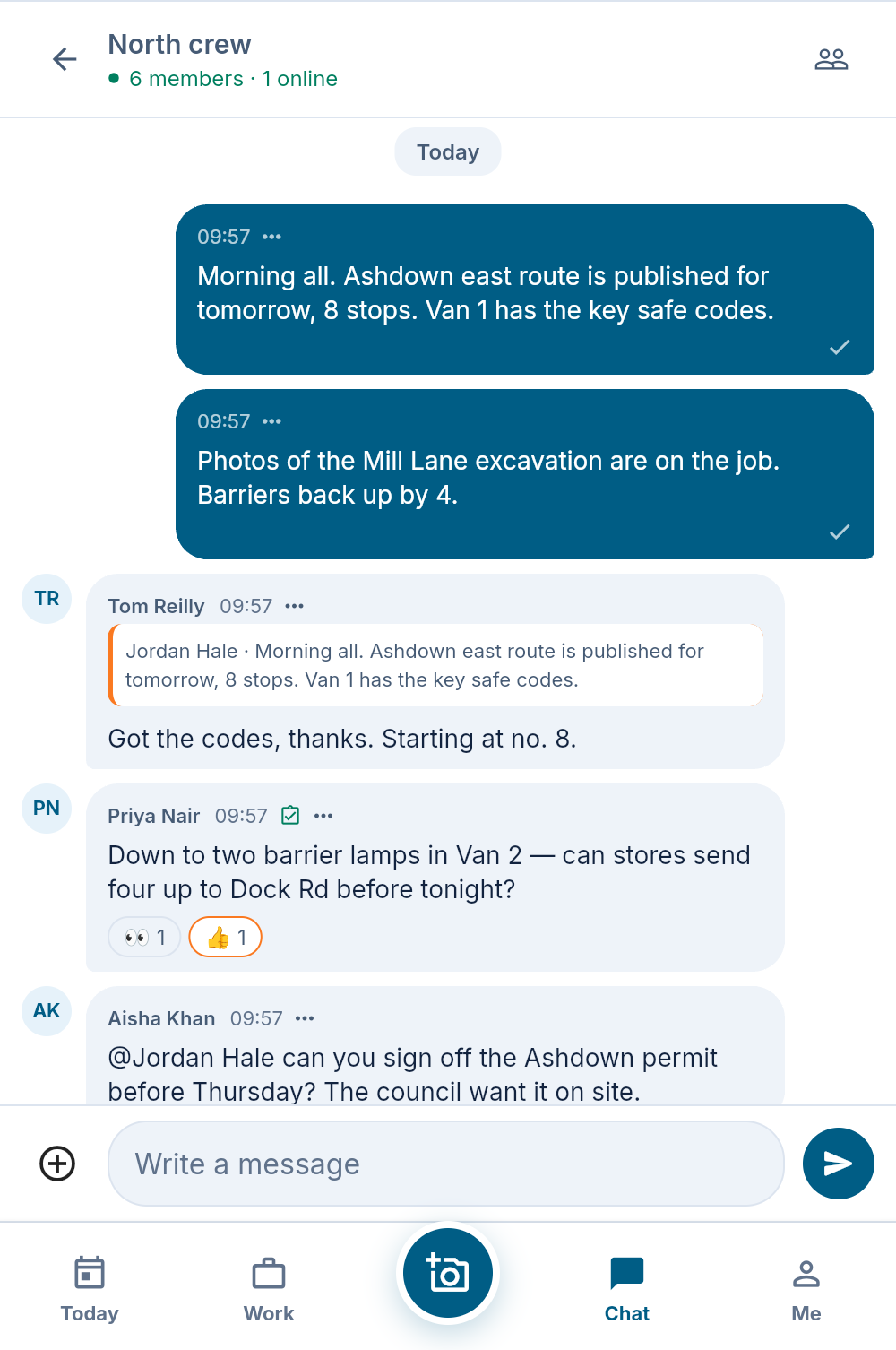
Messages, updates and a help desk, in the same app
Team chat with groups that keep themselves up to date, pinned updates with a reminder to anyone who has not acknowledged them, and a help desk so a worker can ask the office for something without a phone call. Every message stays attached to the workspace, not someone's personal phone.
- Group chat with audiences built from teams and trades
- Updates that track who has seen and acknowledged them
- Turn a chat message into a defect, evidence, a job note or a request, with its photo
- Requests to the office with an audit trail behind them
- Mentions, day separators and live typing indicators in chat
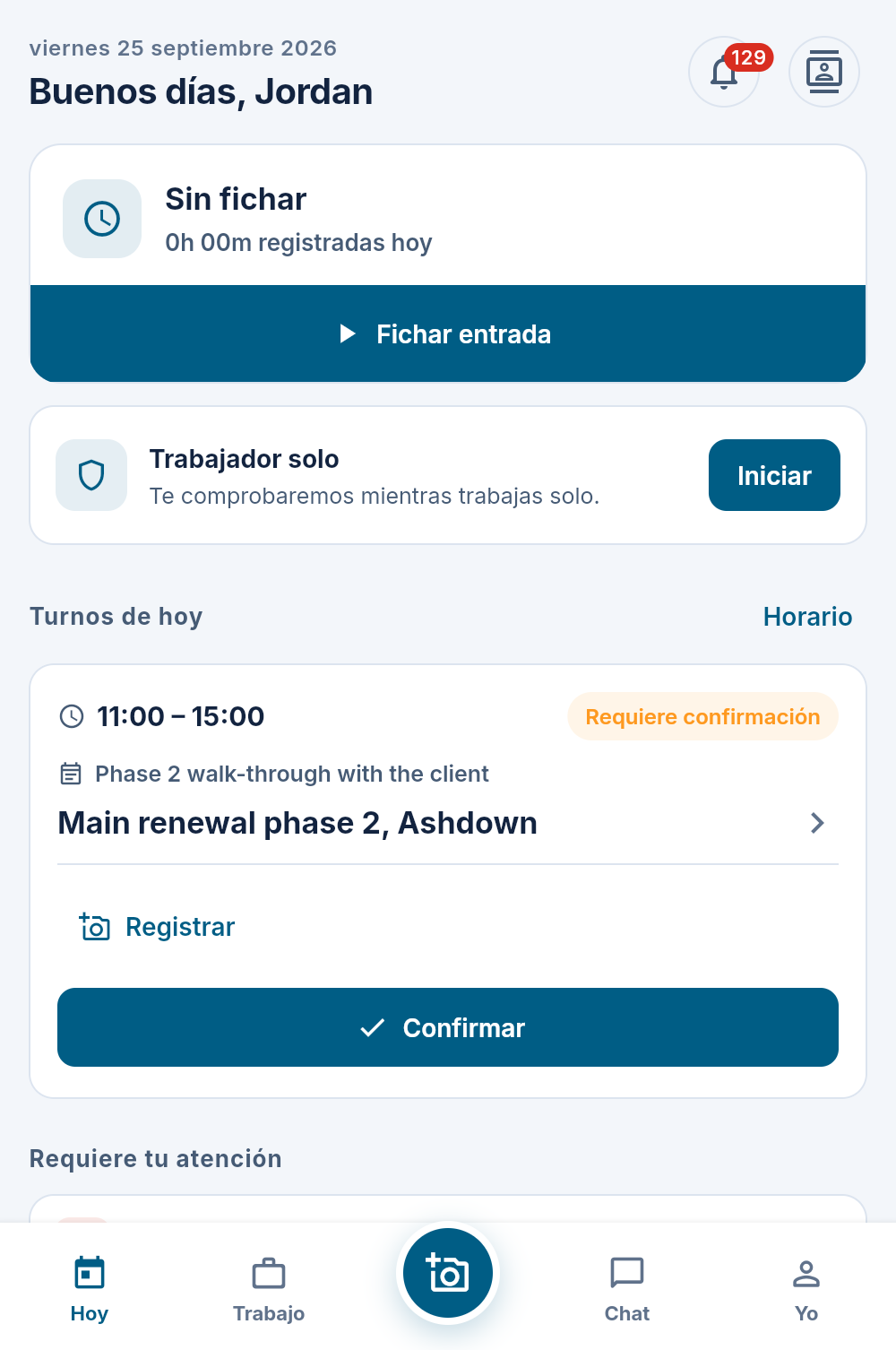
In the language your crew reads best
Each person picks English, Spanish, French, Arabic or Romanian under Me, and the field app follows — Today, Work, Capture, Chat and Me — with notifications written in their language too. Until they choose, it follows the phone. Arabic reads right to left. The office screens stay in English.
- One choice per person, not per workspace
- What your workspace typed stays as typed: job titles, form questions and chat are not machine-translated
- Dates written the way that language writes them
Small details, field-first
Dark mode that's easier on the eyes in a cab at night. Directions in one tap. A directory with call and message buttons. Leave balances, leave requests and pay statements under Me. It adds up.